Adding a User to Immich
You need to be an admin for all of these steps
Adding Users to Immich
Section titled “Adding Users to Immich”- Visit
https://<IMMICH SERVER URL>/admin/users - Click “Create User” in top corner
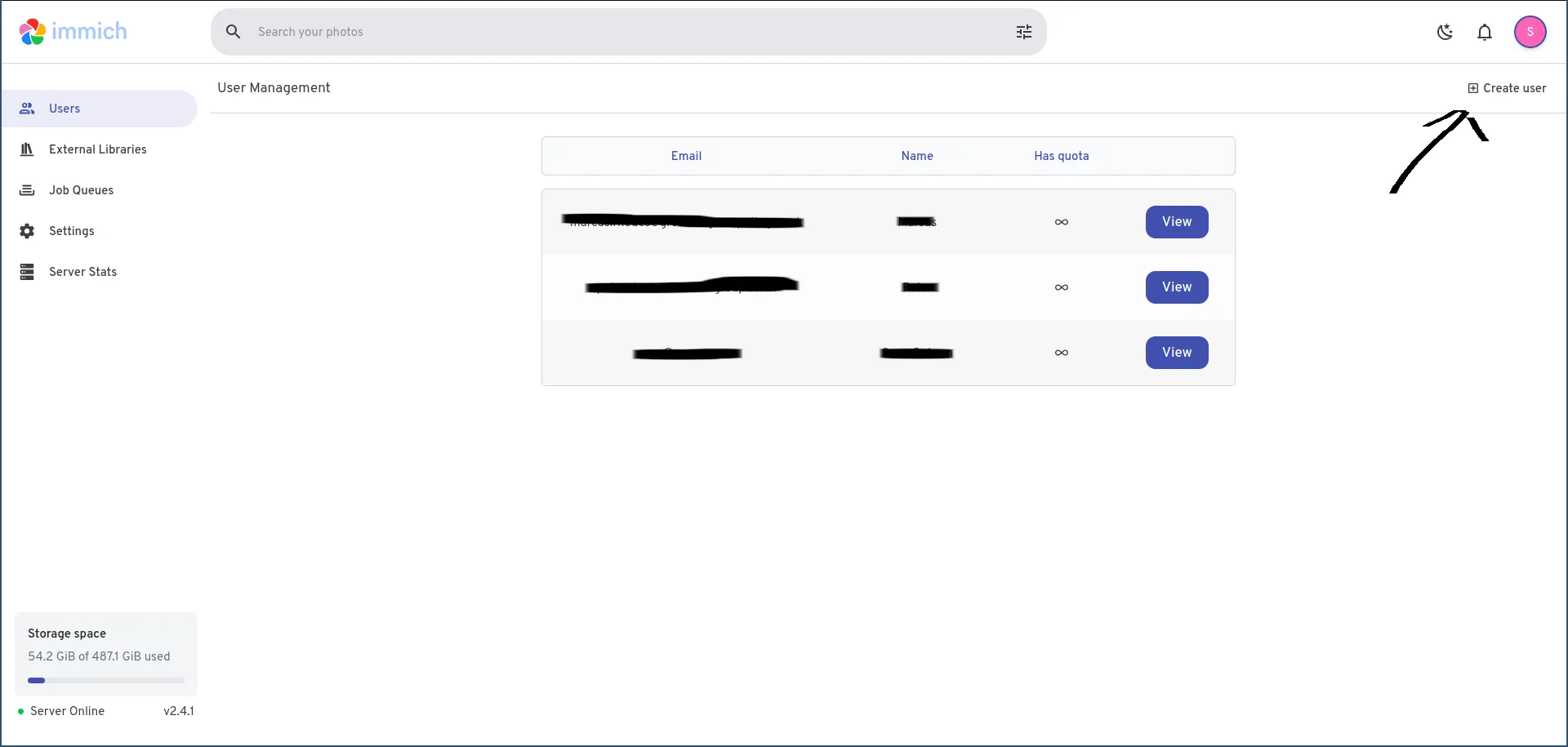
- Enter the user’s details, and optionally force them to create a new password when they log in.
You can ignore the Quota Size limit as this is unimportant for a normal setup. and you can optionally make them an admin (letting them reset others passwords & create/delete users and shared folders)

- Let them log in
Delete Users
Section titled “Delete Users”- visit
https://<IMMICH SERVER URL>/admin/users - Click view next to the user
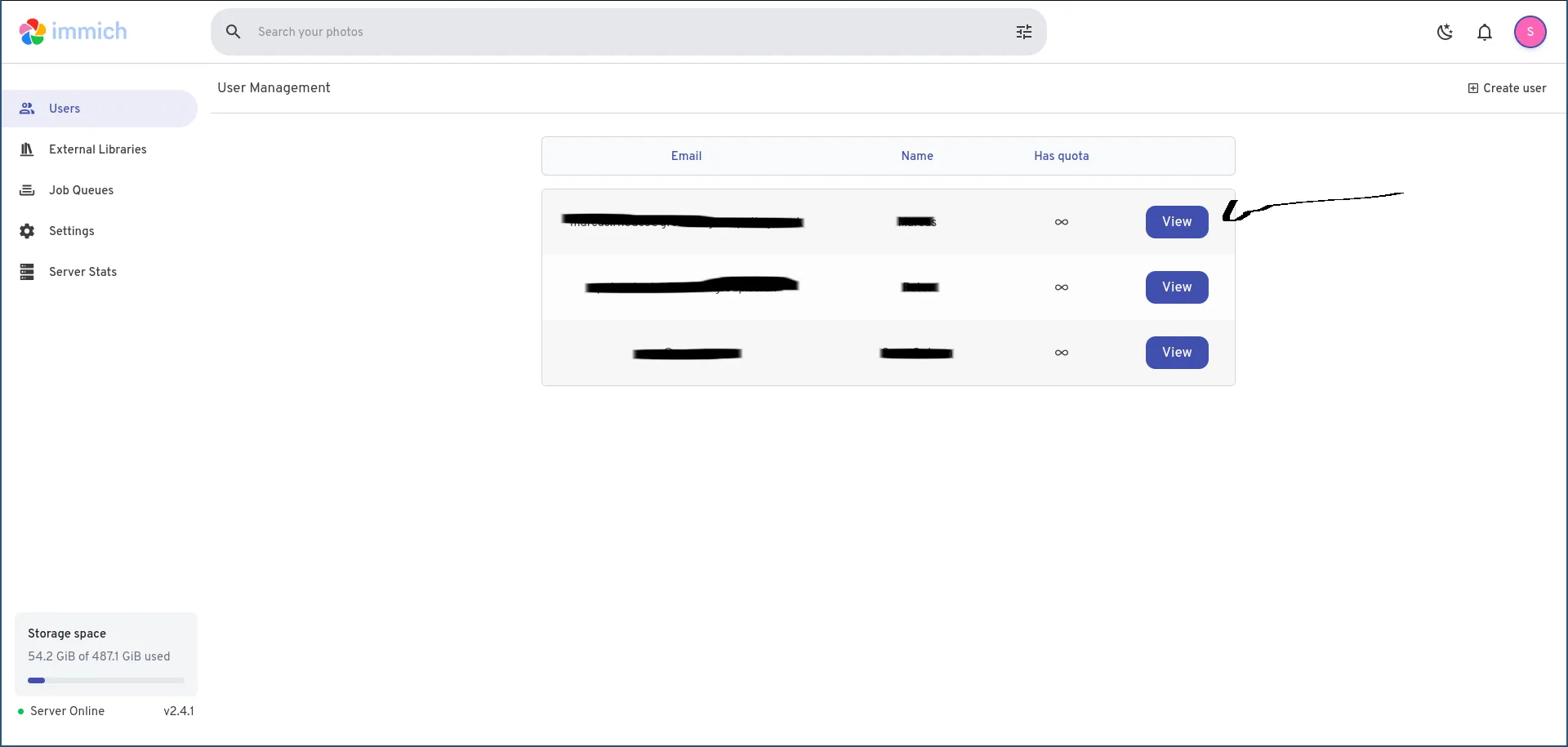
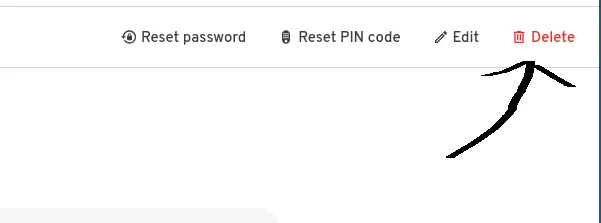
- Click the red DELETE button (You can’t delete yourself or the 1st admin)
Managing Users
Section titled “Managing Users”- visit
https://<IMMICH SERVER URL>/admin/users - Click view next to the user
- From here you can reset their password (will generate a temporary password and then ask them to change it on next login)
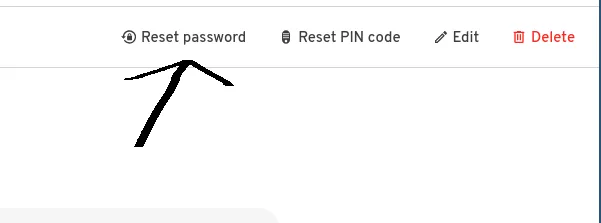
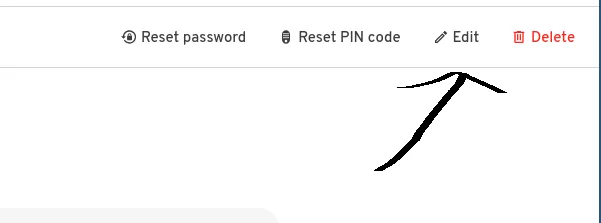
- You can also edit their username or email here